Free online STL viewer
Drop an STL — or an OBJ, 3MF, AMF, glTF/GLB, PLY or FBX file — and it opens in a full CAD workspace instead of a bare preview. Your browser reads the file from your disk; it is never uploaded.
- STL
- OBJ
- 3MF
- AMF
- glTF / GLB
- PLY
- FBX
Then choose Import. Files are read on your computer and never uploaded.
More than a preview
- Look around. Orbit, pan and zoom; switch on X-Ray to see through every part at once.
- Measure. With Measure on, hover a face or an edge, then click it for its length, radius, diameter, area or arc angle. On a mesh, planes, cylinders and spheres are recognised from the triangles.
- Check printability. Show the build volume of one of 28 popular printers — Bambu Lab, Prusa, Creality, Elegoo, Anycubic, Sovol, Voron — around the part.
- Fix the size. Double-click the model for resize handles, editable X, Y and Z dimensions and rotation rings.
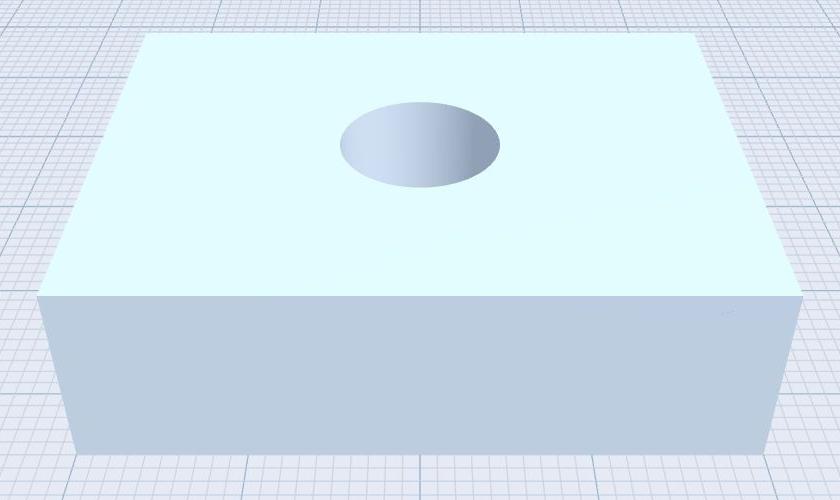
- Edit it. Drill a hole, cut it in two, join parts or add 3D text with boolean operations. Booleans need closed (watertight) meshes.
Convert while you are here
Every file you open can leave in another format: STL (binary or ASCII), 3MF with object names, colours and millimetre units, OBJ with vertex colours, AMF, PLY, glTF or GLB (optionally Draco-compressed), STEP and IFC. Read what STL to STEP can and cannot do before you send a mesh to a CAD program, or cut it into a DXF or SVG outline for a laser cutter.
Why does my STL look tiny, huge or lying on its side?
STL stores numbers without units. NASSCAD reads them as millimetres, like most slicers, so a model drawn in inches opens 25.4 times too small: scale it up by 25.4. The units shown on screen switch between millimetres, inches and feet without changing the model.
STL has no agreed “up” direction either. If a part arrives on its side, double-click it and turn it with the rotation rings. NASSCAD writes its own STL and OBJ exports with Z up, as slicers expect.
Colours, names and parts
An STL is only triangles: one grey shape, no names. 3MF and GLB files can carry several named objects and their colours, and OBJ and PLY can carry vertex colours. When the parts or the colours matter, keep your files in those formats.
Questions people ask
Is there a file size limit?
No fixed limit. The size you can open depends on your computer's memory and your browser. Meshes of millions of triangles open on a typical desktop; for the heaviest files, use the Windows edition.
Can I open an STL on a Mac or a Chromebook?
Yes, in a recent browser with WebGL 2 and WebAssembly support. Nothing is installed.
Is my file uploaded?
No. The file is read and displayed inside your browser tab. Nothing is sent to nasscad.com or anywhere else.
Can I open several files at once?
Yes. Select several files in Import, or drop them together onto the NASSCAD window: each one becomes its own object in the scene.
Can NASSCAD repair a broken STL?
NASSCAD shows the mesh as it is and can export it again. It does not promise to repair every open or self-intersecting mesh, and boolean operations need closed meshes.