Convert STEP to GLB and glTF
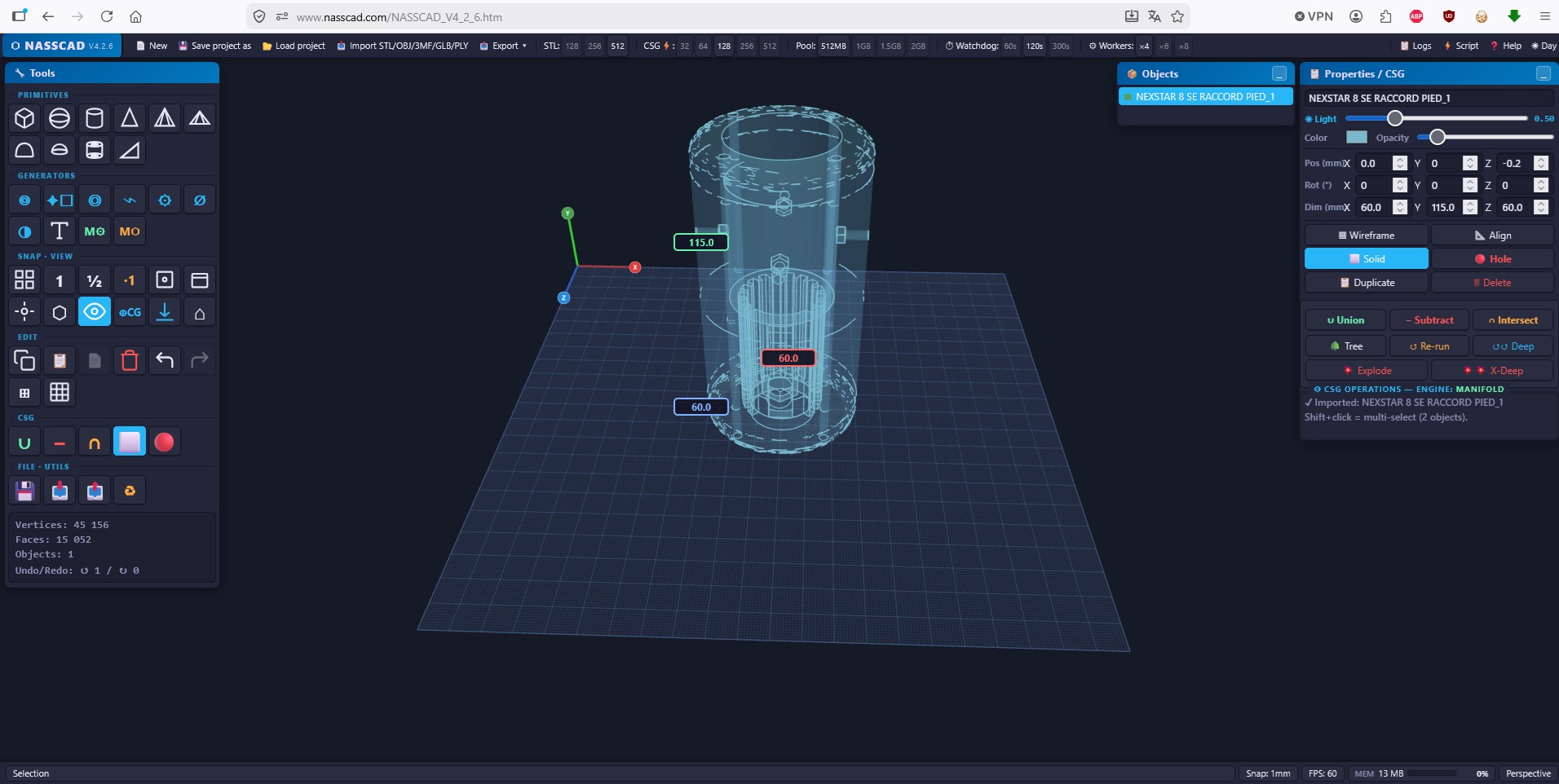
GLB is the format of 3D on the web: model-viewer, three.js, Babylon.js, AR viewers and online marketplaces read it. Drop a STEP file and NASSCAD turns the assembly into a GLB with its part names and colours.
Then choose Import. Files are read on your computer and never uploaded.
What NASSCAD writes
- GLB — binary glTF 2.0, one file, ready for the web.
- GLB with Draco compression — much smaller meshes for faster pages; the viewer must support the Draco extension (three.js and model-viewer do).
- glTF — the same scene as a text file, for pipelines that want to read or edit it.
Every body becomes a mesh with its name and a material carrying its STEP colour. Lengths are written in metres, as the glTF standard requires: a 120 mm part is 0.12 units long, so it appears at its true size in AR viewers.
Good uses
- Product pages and 3D viewers on a website.
- Augmented-reality previews of a machine part at real scale.
- Training material and assembly instructions.
- Importing CAD parts into a game engine or a real-time renderer.
Keep it light
Engineering assemblies are heavy: thousands of screws nobody will see on a web page. Hide or delete the small hardware first, export only the selection (Export › Include › Selected shapes) and choose the Draco option.
Questions people ask
GLB or glTF — which one?
GLB for almost everything: one binary file, smaller and faster. glTF when a tool in your pipeline needs the text form.
Why is my model 1,000 times too small in another program?
That program probably reads glTF lengths as millimetres. The glTF standard uses metres, which NASSCAD follows; scale by 1,000 in that program.
Are textures exported?
NASSCAD exports colours as materials. STEP files rarely contain textures, and none are invented.
Is the conversion private?
Yes. The STEP file is processed in your browser and the GLB is saved on your computer. Nothing is uploaded.